
Sticky notes & photos, right on your Mac desktop
FridgeBoard turns your wallpaper into a fridge door: notes, photos, little videos and reminders that stay put — behind your windows, never in the way.
Free to try · Pro is a one-time purchase, no subscription
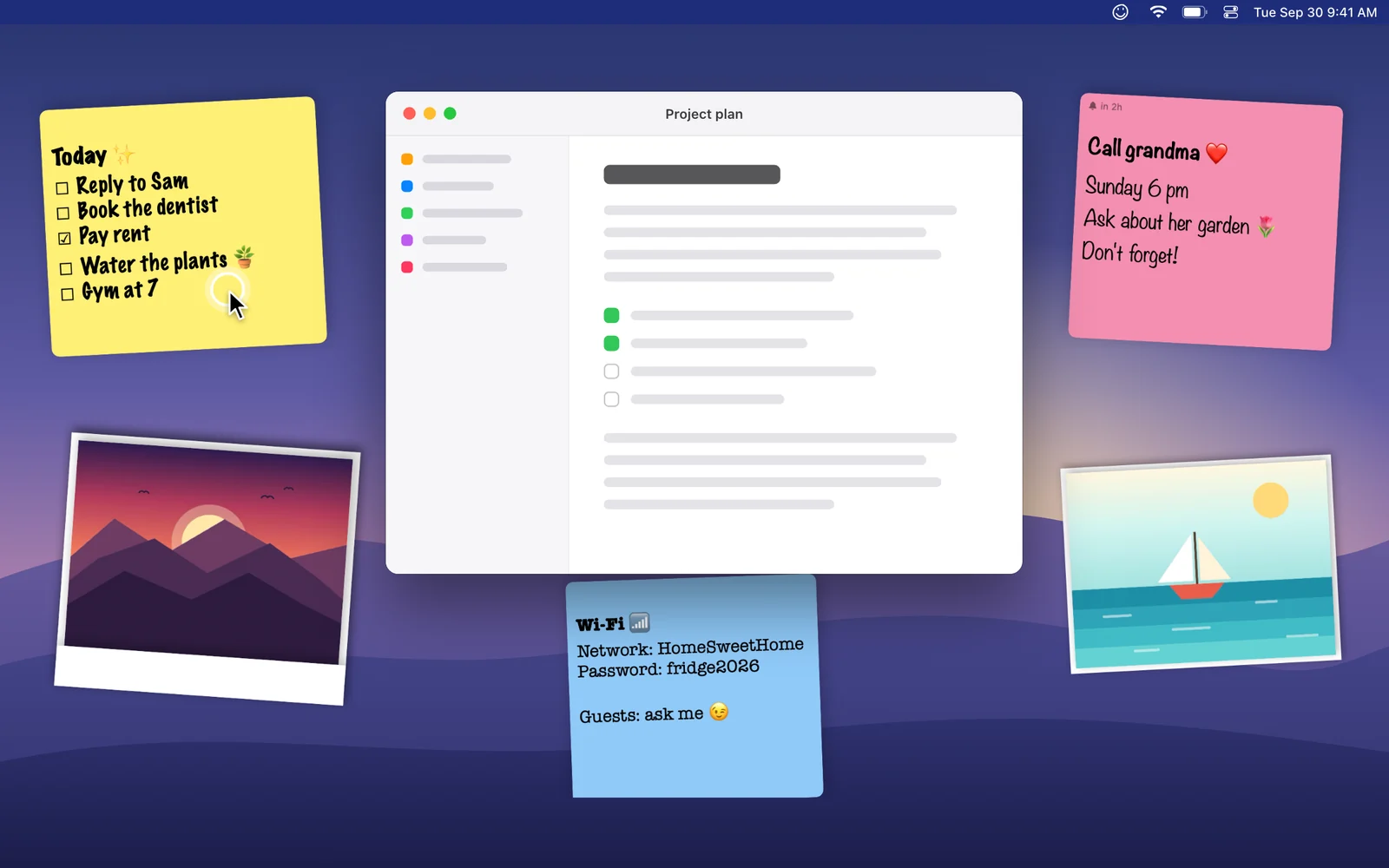
Always there, never in the way
Your board lives on the desktop, behind every window. Clicks go straight through to your apps. Click a note — or the menu bar icon — and the whole board comes forward.
- Visible on every Space
- Refits itself when you change displays
- Opens at login if you want
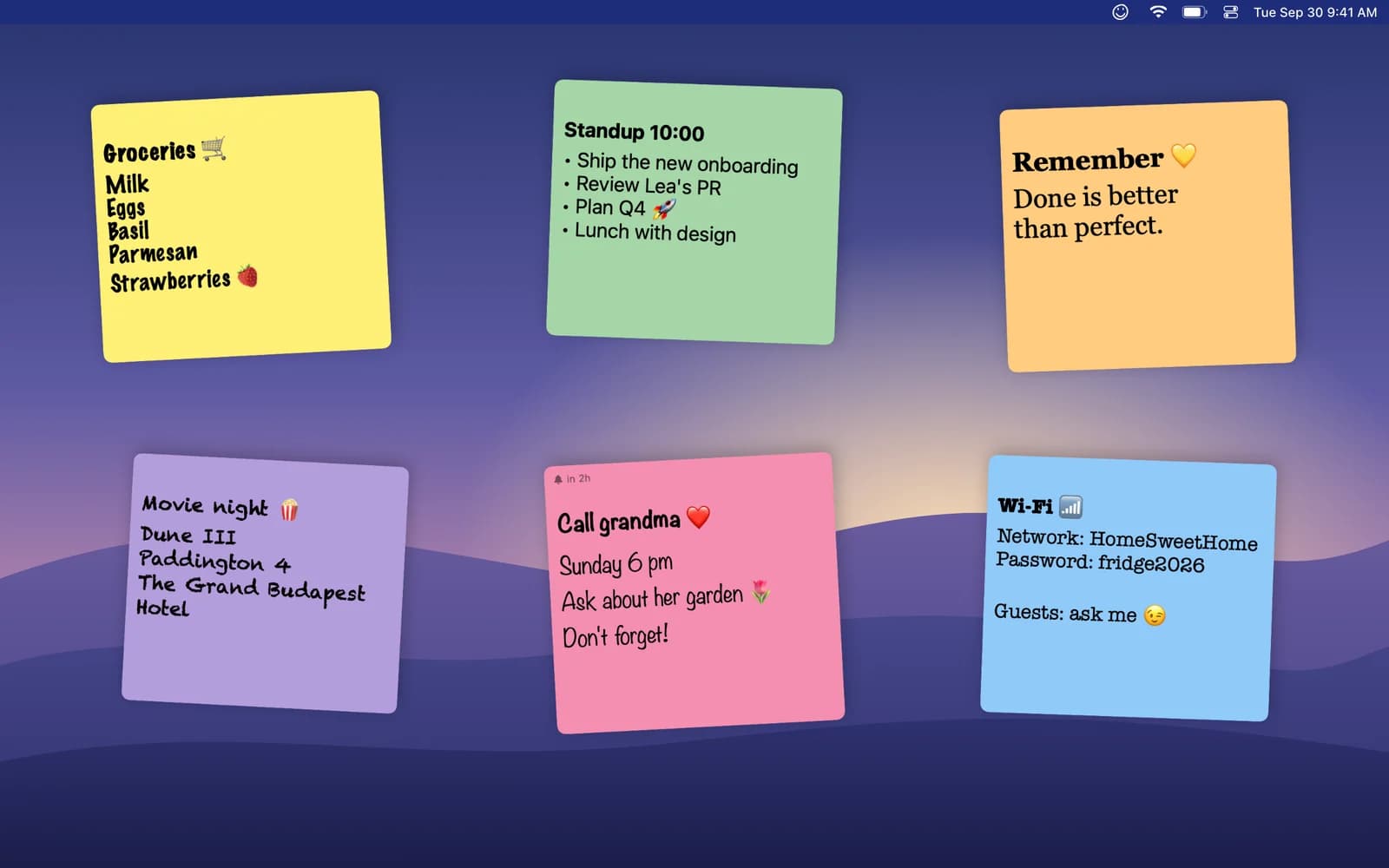
Notes that look like you
Eight paper colors, fourteen fonts from Marker Felt to Courier, any text size. Drag, rotate and resize with real handles that snap straight.
- 8 paper colors · 14 fonts
- Rotate & resize handles
- Double-click to straighten
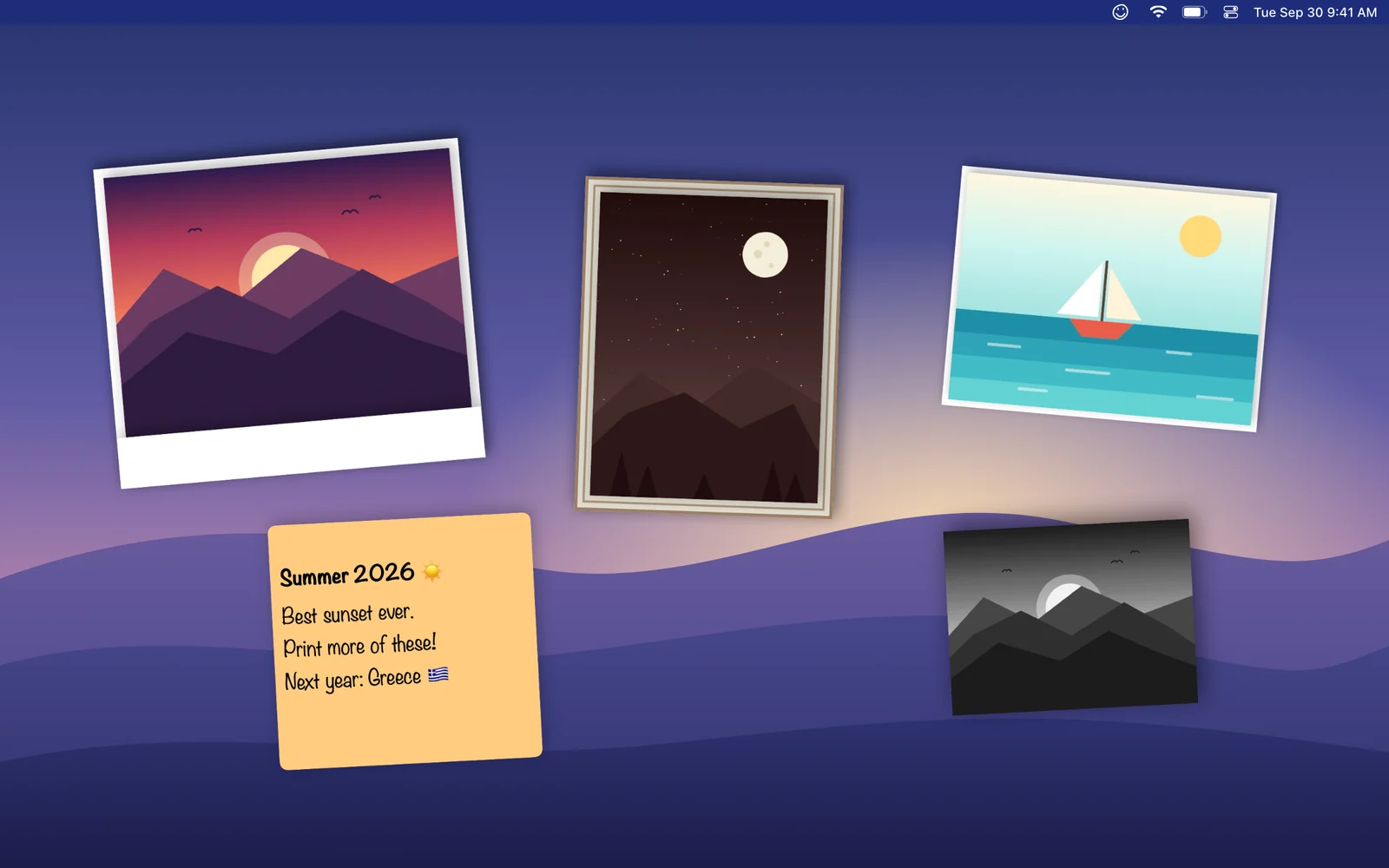
Frame your favorite memories
Pin photos in polaroid, vintage or classic frames and pick one of ten filters. Add short looping videos too — muted by default, they play when your mouse passes by.
- 5 frames · 10 filters
- 5-second video moments
- Photos stay on your Mac
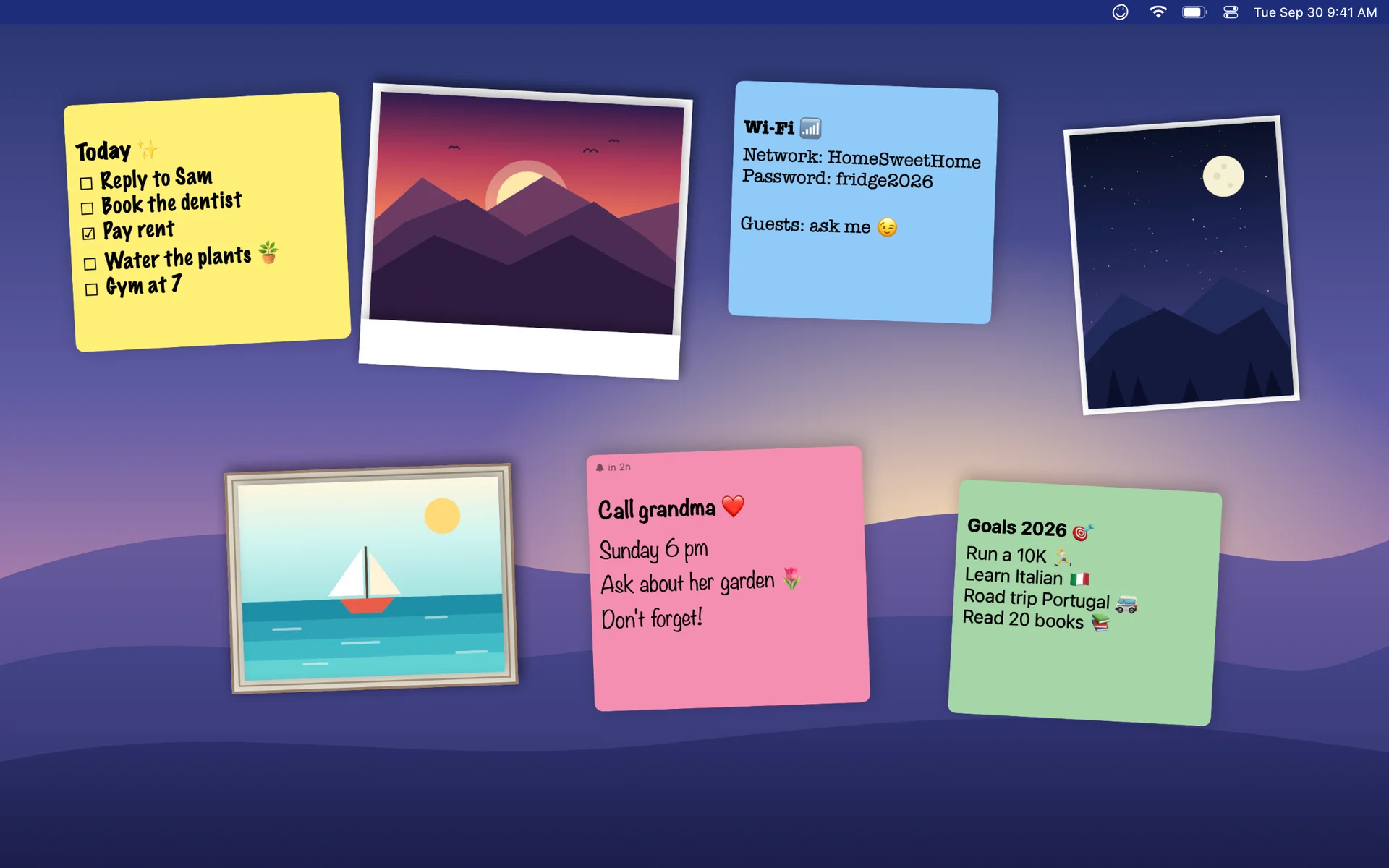
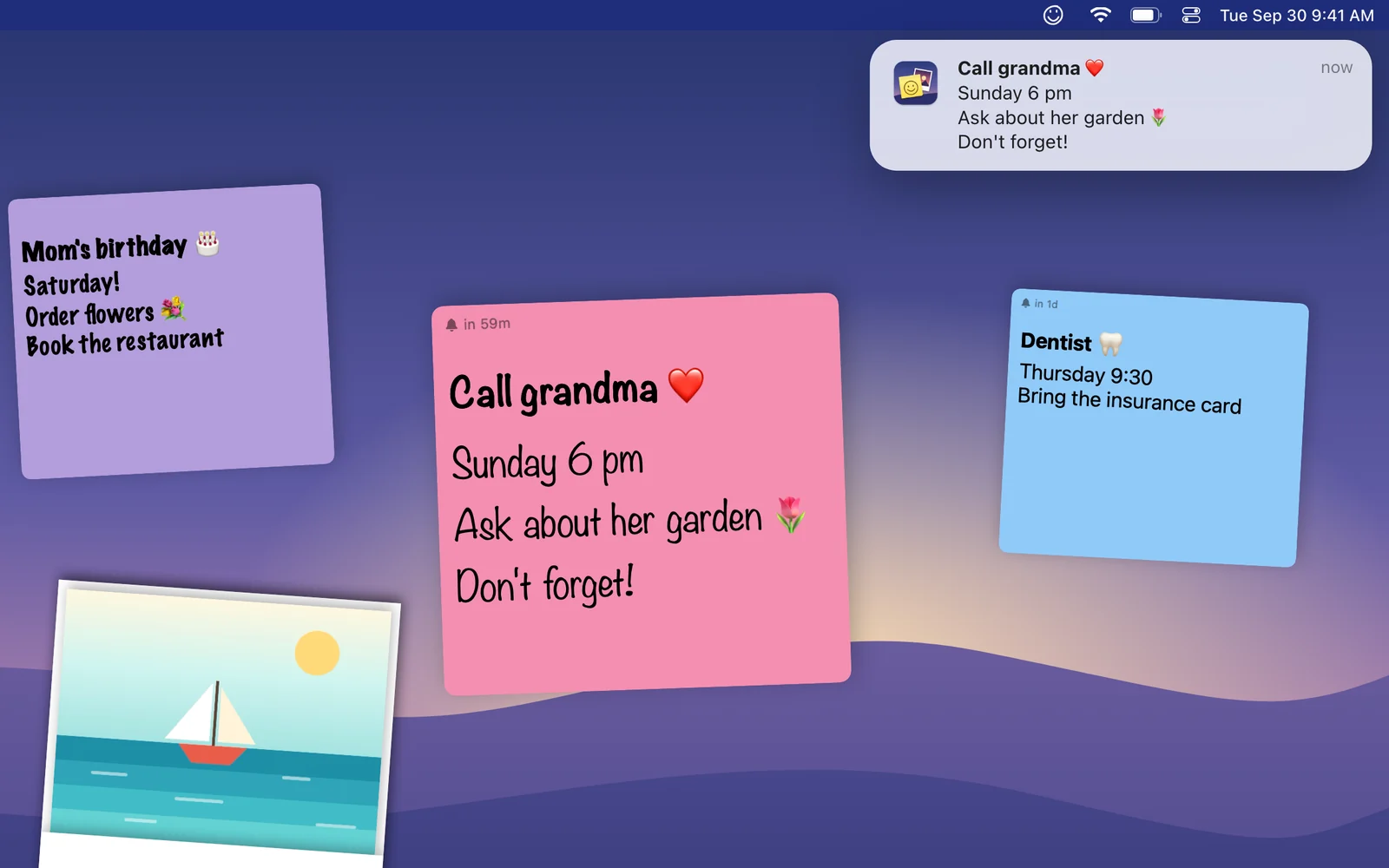
Reminders that pop up on time
In 15 minutes, in an hour, tomorrow at 9 or any date you pick — set it right from the note and get a Mac notification when it's time.
- Set from the note itself
- Native macOS notifications
- Time left shown on the note
Add anything in one click
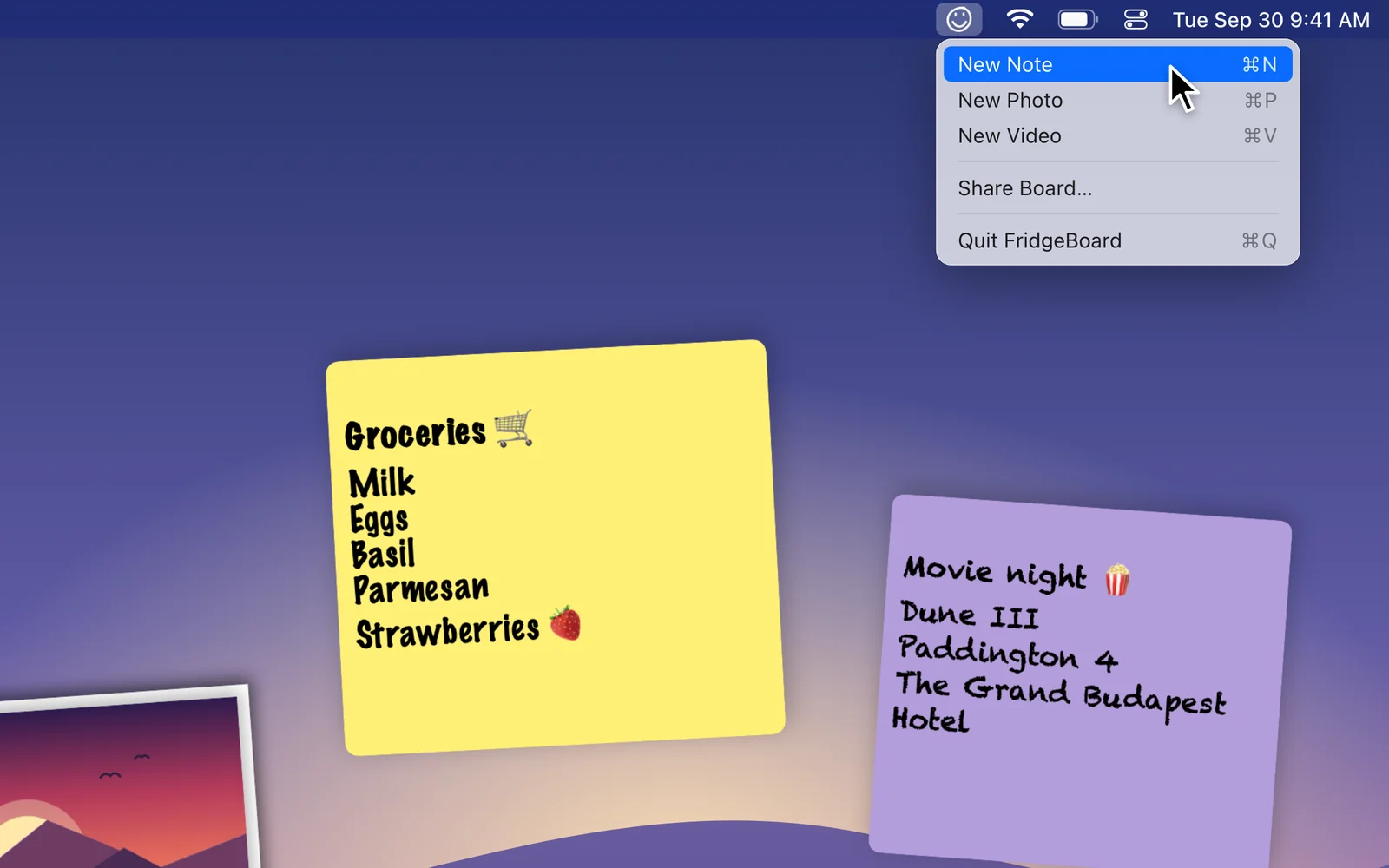
FridgeBoard lives in your menu bar. New note, new photo or new video in a click — or with ⌘N, ⌘P and ⌘V.
- Menu bar app, no Dock clutter
- Keyboard shortcuts
- Photos from Finder or iCloud Drive
New in 1.4
Show off your setup
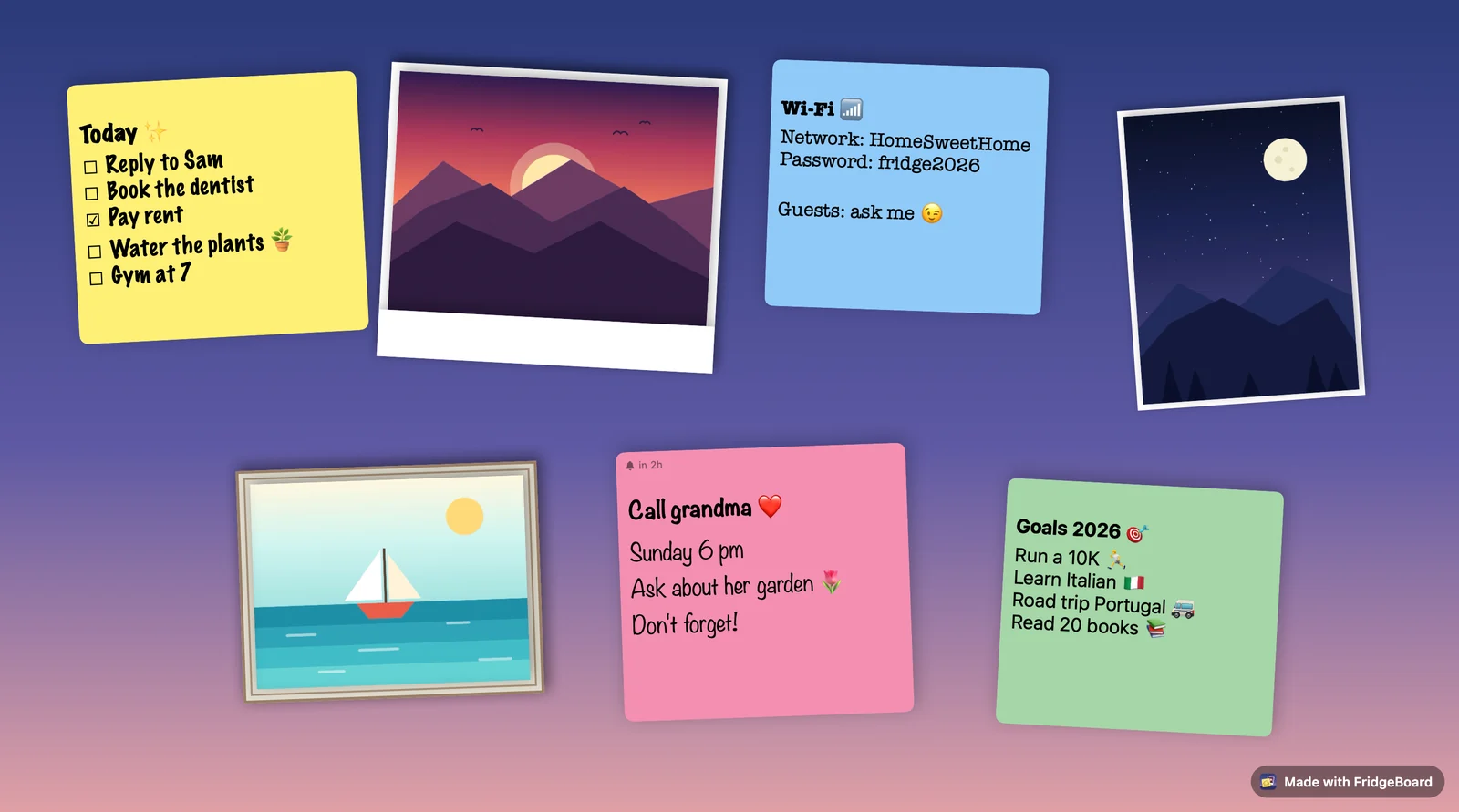
Share Board… turns your board into a picture of your desktop, cropped and ready to post. Send it with AirDrop, Messages or Mail, copy it, or drag it straight into your favorite desk-setup thread.
Private by design
Everything stays on your Mac. No account, no cloud, no tracking.
Featherweight
About 2 MB. Starts with your Mac and stays out of the way.
Speaks your language
English, French, German, Spanish, Italian, Dutch and Portuguese.
Made for the Mac
Native SwiftUI, Spaces-aware, at home on Sonoma and later.
Pay once. Keep it forever.
Start for free. Upgrade with a single purchase when your fridge door gets crowded.
Free
Everything you need to try it.
- 2 sticky notes and 1 photo
- Every color, font, frame and filter
- Reminders
- Share Board (with a small badge)
FridgeBoard Pro
No subscription, ever.
- Unlimited notes and photos
- Looping video moments
- Share without the badge
- Free updates
Questions
Will it get in the way of my work?
No. The board sits behind all your windows and clicks pass straight through to your apps. Click a note or the menu bar icon to bring it forward; switch to any app to send it back.
Where are my notes and photos stored?
Only on your Mac, inside the app's sandbox. There's no account and no cloud — nothing is sent anywhere.
Is there a subscription?
No. FridgeBoard is free to try with 2 notes and 1 photo. FridgeBoard Pro is a single one-time purchase that unlocks unlimited notes, photos and videos — yours for good.
I bought FridgeBoard back when it was a paid app. Do I have to pay again?
No. Update to the latest version and Pro is unlocked automatically. If it isn't, open the upgrade window and click “Restore Purchase”.
Does it work with Spaces and multiple displays?
Your board shows up on every Space. It lives on your main display and refits itself when you plug in a screen, unplug one or change resolution.
What do I need to run it?
A Mac running macOS 14.6 Sonoma or later.

Make your desktop feel like home.
Free to try. No account. No subscription.